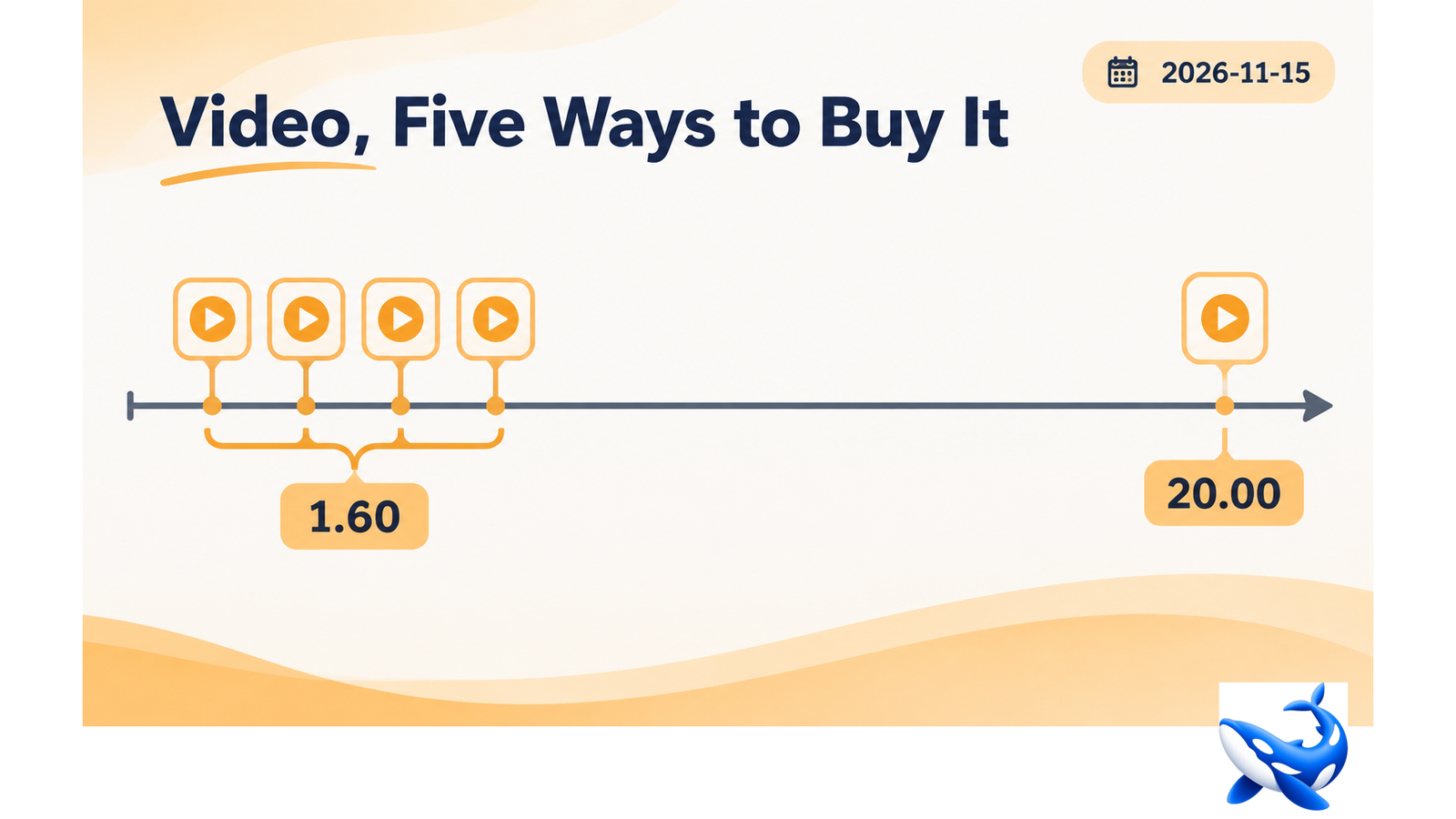
Five of the eleven cards on OrcaRouter‘s cyber tier accept video: Kimi K3.1 Pro abliterated, Qwen3.8 Flash Next, GLM 5.3 Flash, MiMo V2.6 Flash and MiniMax M3.1 Flash [OURS].
Four of them cost $1.60 per million output tokens. The fifth costs $20.00 — twelve and a half times as much for the same modality.
That spread is the piece’s subject, because the cheapest video card and the most expensive one are both reasonable purchases for different jobs, and the difference is not the video.
What video costs in tokens
Video is not billed differently from images; it is converted to frames and the frames are tokens.
A one-minute clip sampled at one frame per second with each frame costing roughly 1,000 tokens is 60,000 tokens of input. At $0.80 per million that is $0.048; at $4.00 it is $0.24 [OURS, our arithmetic].
Three things move that number by an order of magnitude.
Sampling rate. One frame per second against ten is a ten-fold difference. Most security video — a screen recording, a walkthrough, a camera feed — does not need ten frames a second.
Resolution per frame. A frame’s token count scales with its pixel budget. Reading a screenshot needs a high resolution; detecting a person entering a room does not.
Clip length. A thirty-minute session at one frame per second is 1.8 million tokens, which exceeds every context window in the tier [OURS]. Long video has to be chunked or sampled sparsely, and that is a design decision rather than a pricing one.
The four cheap cards
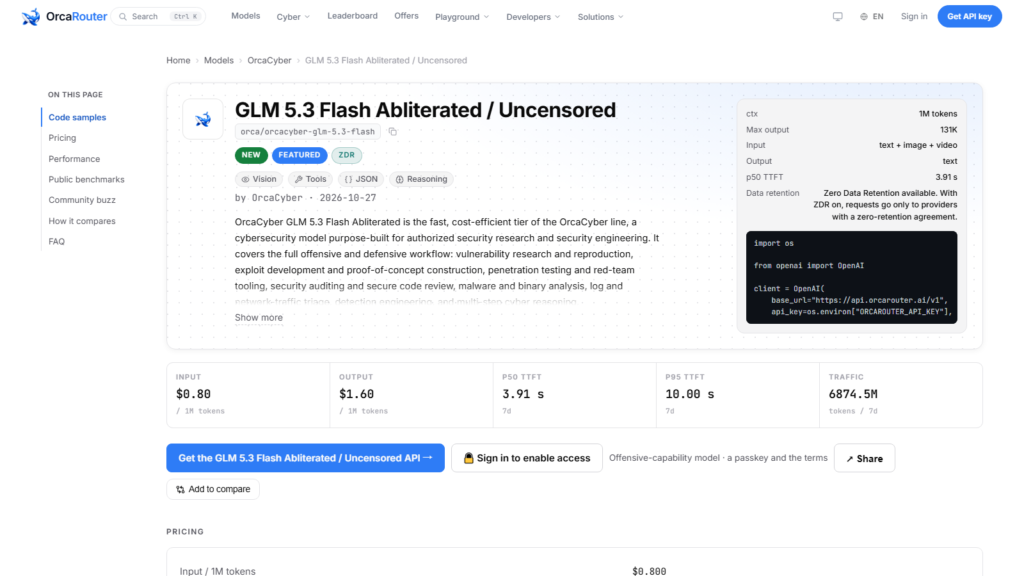
All at $0.80 in and $1.60 out, all abliterated, all at 262,144 or 1,048,576 tokens of context [OURS].
GLM 5.3 Flash at 66.1 tokens a second with a 1,048,576 window and 131,072 output ceiling. The largest window among the four, and the slowest generation.
MiMo V2.6 Flash at 42.2 tokens a second with the same window and ceiling, plus audio — the only card that takes both video and audio.
MiniMax M3.1 Flash at 129.9 tokens a second, the fastest of the four, with a 262,144 window that limits how much video fits in one call.
Qwen3.8 Flash Next at 94.0 tokens a second, a 262,144 window and Toolathlon 73.5 in its inherited block — the tool-use row that matters for an agent reading video and then acting [OURS, VENDOR for the row].
None of the four publishes a video-specific benchmark. None of them can be compared on how well they read video, only on how cheaply and how fast they process it.
The expensive one
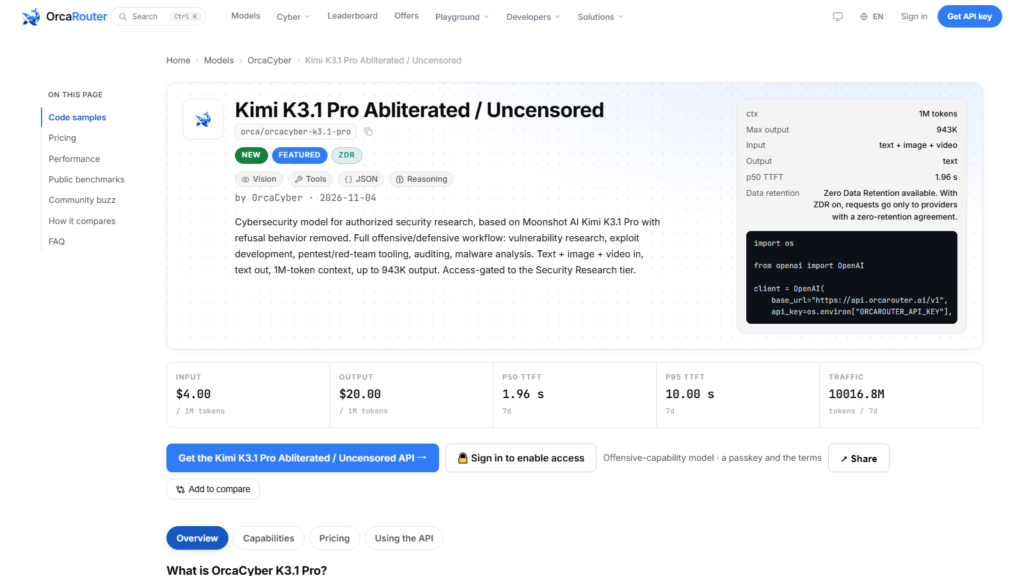
Kimi K3.1 Pro at $4.00 in and $20.00 out [OURS].
What it adds is not video quality but headroom: a 1,048,576-token window and a 943,718-token output ceiling, which together are the only combination in the tier that can hold a long video’s frames and produce a long analysis in the same call.
At 62.0 tokens per second, a 50,000-token analysis takes 13.4 minutes [OURS, our arithmetic]. That is not an interactive tool. It is a batch job that produces a document.
So the split is clean: the four cheap cards read video, Kimi reads video and writes a report about it.
The frame budget, which decides everything
The single number that determines whether video work is affordable is frames per minute, and the tier’s cards do not set it — you do.
A useful default for security video: one frame per second for detection work, four for reading text on screen, and one frame every five seconds for scene-level triage. Those are rough, and they produce wildly different bills.
A ten-minute walkthrough at one frame per second is 600 frames; at 1,000 tokens each that is 600,000 input tokens — over the 262,144 window on the two small cards, and comfortably inside the 1,048,576 window on the other three [OURS].
That is the constraint nobody mentions in a video comparison: the window decides the sampling rate more often than the budget does. On MiniMax and Qwen, ten minutes of video at one frame per second does not fit at all.
What to do about long video
Three techniques, and the three combine.
Sample sparsely, then refine. Run scene-level triage at one frame every five seconds, find the interesting minute, then re-run that minute at four frames per second. The first pass is cheap and the second is small.
Chunk and summarise. Split the video into five-minute segments, summarise each, then analyse the summaries. Each card’s window is respected and the final analysis reads a small document.
Use the cache for the video. The frames do not change between calls, so a stable prefix containing them caches at 18.75% of input on all four cheap cards [OURS]. Asking ten questions about one video should be one video upload and nine cache hits.
The third is the one most teams miss, and on a card with a 1,048,576-token window it is the difference between asking one question and asking twenty.
What no card on this tier does
Generate video. None of the eleven does, and none is positioned to.
Detect a specific action with a trained classifier. These are general models; a frame classifier will beat them at that and cost less.
Process live streams. Every card here is request-response, so a live feed has to be sampled into requests, which makes the sampling decision again.
What they do is read video and reason about it in language, which covers triage, walkthroughs, screen recordings and narrated sessions. That is a narrower set than “video understanding” suggests and a broader one than nothing.
How to pick
Pick on the window first. Ten minutes at one frame per second needs a 1,048,576 window, which leaves GLM 5.3 Flash, MiMo V2.6 Flash and Kimi.
Pick on speed second. Among those three, GLM 5.3 Flash at 66.1 and MiMo at 42.2 are both slower than Qwen at 94.0, and Qwen has the small window.
Pick on output length third. If the deliverable is a long report, Kimi’s 943,718 ceiling is the only one that fits.
For most video work the answer is GLM 5.3 Flash — the large window, the standard price, and a speed that is adequate for batch. For report generation it is Kimi. For anything with audio, MiMo.
The short version
Five cards take video; four cost $1.60 output and one costs $20.00. The spread is not about video quality — it is about window and output ceiling, and only Kimi has both large enough for a long analysis in one call.
The frame budget is yours to set and it decides the bill more than the price does. One frame per second exceeds the window on two of the five cards at ten minutes.
Sample sparse, refine, chunk, and cache the frames. Those four techniques make video work affordable on the four cheap cards, and only the long-report case actually needs the expensive one.
Sourcing note: modalities, prices, context windows, output ceilings, quality scores, latency, throughput, error rates and traffic are read from the eleven cards’ public model data on 2026-11-15, with seven-day windows ending that day [OURS]. Token and cost estimates for frames are our own approximations at the rates stated. The Toolathlon row is OrcaCyber’s own [VENDOR].